How to actually read a process map with your team
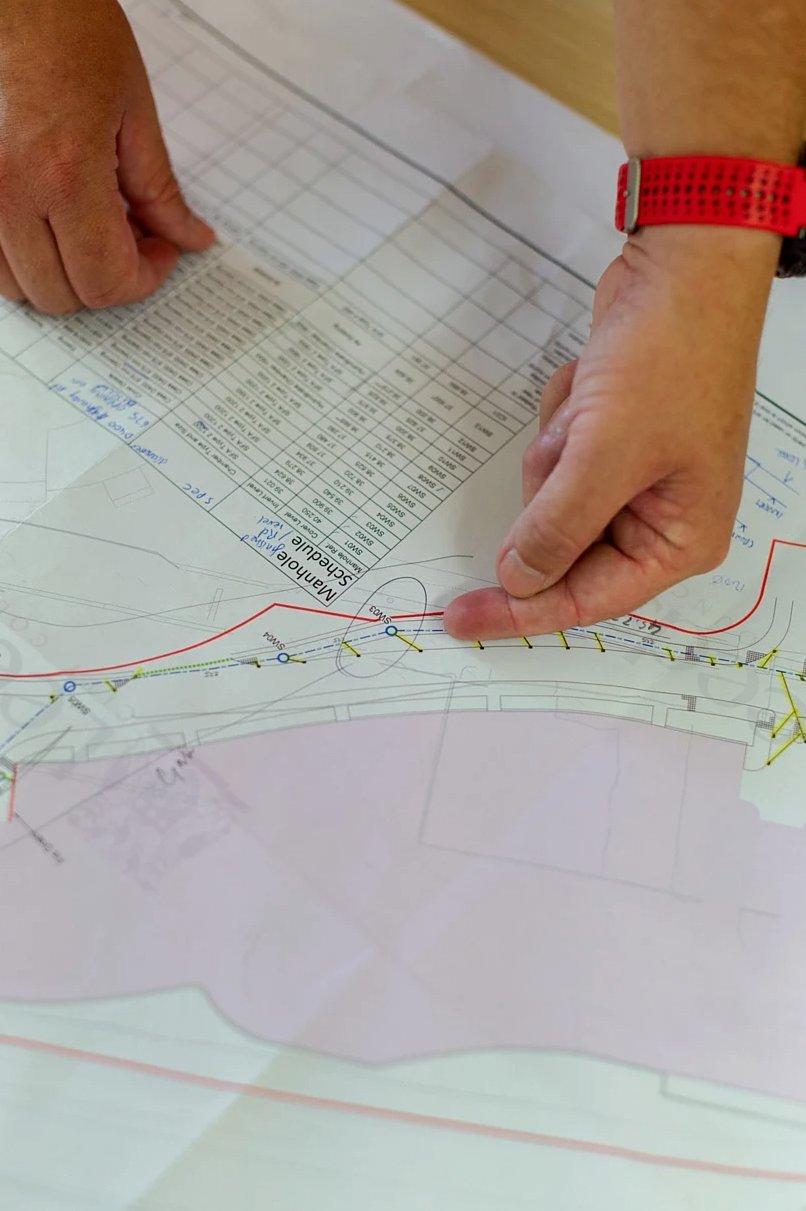
Process maps have a reputation for being the kind of document that gets presented in a meeting, nodded at, and then filed somewhere nobody looks. That is usually not because the map is wrong. It is because nobody showed the team how to read it as a working tool rather than a finished product. Here is how to actually use one.
Start with the handoffs, not the steps
Most people read a process map the way they read a recipe: left to right, step by step. That is fine for getting oriented, but the useful information is almost never in the steps themselves. It is in the handoffs between steps, the moments where work moves from one person, team or system to another.
Handoffs are where things drop. They are where the unstated assumption lives ('I thought you were handling that'), where the delay accumulates ('I sent it over last Tuesday'), and where the workaround usually gets invented. When you sit down with a process map as a team, the first question to ask is: which of these handoffs is the most fragile?
Look for the steps that have no owner
On a well-drawn process map, every step has a named owner or a named role. In practice, most maps have at least one step where the ownership is genuinely unclear. Sometimes it is listed as a shared responsibility. Sometimes it is listed under a role that no longer exists in its original form. Sometimes it is just blank.
These ownerless steps are worth a specific conversation. Not to assign blame, but to decide: should this step exist, and if so, who is actually responsible for it? In Helen Redfern's experience, a single ownerless step can account for a disproportionate amount of the friction in an otherwise functional process.
Ask what the map does not show
A process map shows the stated process. It does not show the workarounds people use when the stated process does not work, the informal approvals that happen over chat before the formal approval step, or the steps that exist on paper but are routinely skipped.
A useful exercise is to walk through the map with the people who actually do the work and ask, at each step: 'Is this what actually happens?' The gaps between the map and the answer to that question are often more informative than the map itself.
Decide what to change before you leave the room
The most common failure mode after a process mapping session is leaving without a decision. The team agrees the map is accurate, agrees there are problems, and then disperses to think about it. Three weeks later, nothing has changed.
Before the session ends, identify one change that can be made in the next two weeks without requiring approval from anyone not in the room. It does not have to be the most important change. It has to be a real one. That first small change is what makes the map a working tool rather than a document.
If your team has a process map sitting in a shared drive that nobody is quite sure what to do with, that is a common situation and a fixable one. The map is not the problem.